
Download Ameba TV – child-friendly programs, educational content, media player, utility software
Overview
Ameba TV is a streamlined desktop application designed for educational professionals, particularly teachers, who seek a reliable way to access and manage child-friendly television programs. The software serves as a dedicated platform for downloading and viewing content specifically curated for young audiences, including educational shows, music videos, and comedic shorts. Its primary purpose is to simplify content discovery and delivery in classroom or institutional settings. The application is part of the broader Ameba membership ecosystem but is available as a standalone tool, allowing users to integrate it into their workflow without full platform access.
Target users include educators, school administrators, and childcare providers who require age-appropriate, high-quality media for learning and engagement. Real-world use cases include classroom instruction, after-school programs, and home-based learning environments. The software supports integration with Google TV, enhancing its usability across connected devices. A free trial version is offered, enabling users to evaluate functionality before committing to a paid subscription. This approach provides flexibility for institutions testing the software’s suitability for their needs.
Key Features & Capabilities
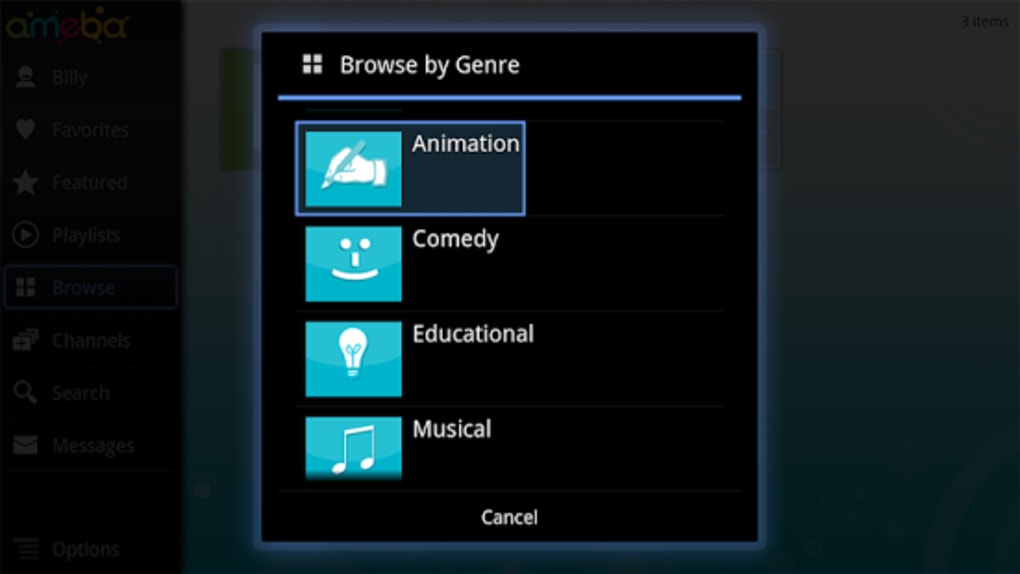
- Curated Child-Friendly Content: Ameba TV offers a library of programs specifically designed for young children, including educational series, music videos, and light-hearted comedic shorts. Content is vetted for age-appropriateness and developmental relevance.
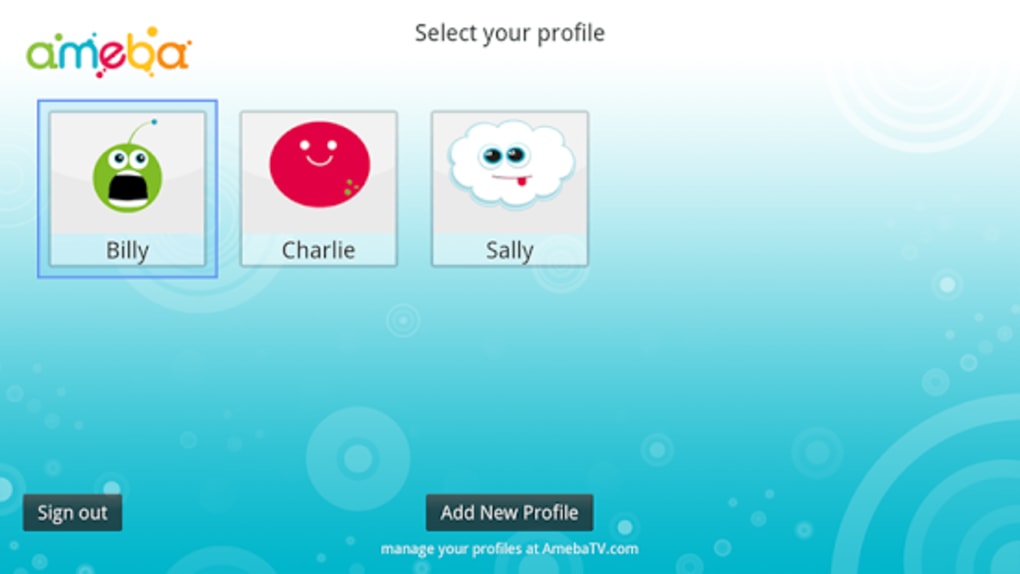
- Custom User Profiles: Users can create individual profiles to tailor content recommendations and viewing history, improving personalization and ease of access.
- Playlist Management: The software allows users to create themed playlists, organizing content by subject, theme, or learning objective for efficient classroom use.
- Offline Viewing: Programs can be downloaded for offline playback, supporting use in environments with limited or inconsistent internet access.
- Content Sharing: Custom playlists can be shared with other members of an institution, facilitating collaborative lesson planning and content distribution.
- Layout Customization: Users can adjust the interface layout to suit their preferences, enhancing visual appeal and usability.
These features support a structured and efficient workflow, particularly in educational environments where content must be both engaging and pedagogically sound. The ability to save and organize programs ensures that teachers can quickly access materials during lesson preparation or live instruction.
User Interface, Workflow & Performance
The user interface of Ameba TV is designed with simplicity and clarity in mind, prioritizing ease of navigation for educators who may not have advanced technical skills. The main dashboard displays featured content, recent downloads, and personalized recommendations, enabling quick access to frequently used materials. Navigation is intuitive, with clearly labeled menus and consistent layout patterns across screens.
Workflow efficiency is enhanced through features like one-click downloads, profile switching, and playlist creation. The software maintains a responsive interface during playback and browsing, with no reported lag or crashes in standard usage scenarios. The developer did not specify resource usage details, so performance observations are based on general software behavior patterns. Stability appears consistent during typical operations, and the application maintains a clean interface without unnecessary visual clutter.
Compatibility & System Requirements
Ameba TV is available for both Windows and Mac operating systems, supporting modern desktop environments. The software is currently in version 1.2.1 and has a file size of 128 MB, indicating a lightweight installation. This suggests minimal impact on system storage and fast deployment.
Exact system requirements were not listed, so users should ensure their devices meet general standards for running desktop media applications. The software is designed to work in conjunction with Google TV, implying compatibility with devices that support this platform. Platform compatibility information is limited, and users are advised to confirm system readiness before installation.
Pros and Cons
Pros
- Specialized content tailored for young children and educational use
- Supports offline viewing for flexible access
- Customizable user profiles and interface layout
- Ability to create and share playlists with colleagues
- Free trial available before subscription commitment
- Lightweight installation at 128 MB
Cons
- Full functionality requires a paid subscription after the trial
- Compatibility with non-Google TV devices not confirmed
- System requirements not publicly detailed
- Content library may vary by region or subscription tier
- Limited information on technical performance and resource usage
FAQ Section
Is Ameba TV compatible with my Windows or Mac device?
Ameba TV is available for both Windows and Mac operating systems. However, specific hardware or software requirements were not provided. Users should ensure their device meets standard desktop application compatibility standards.
Can I use Ameba TV without a subscription?
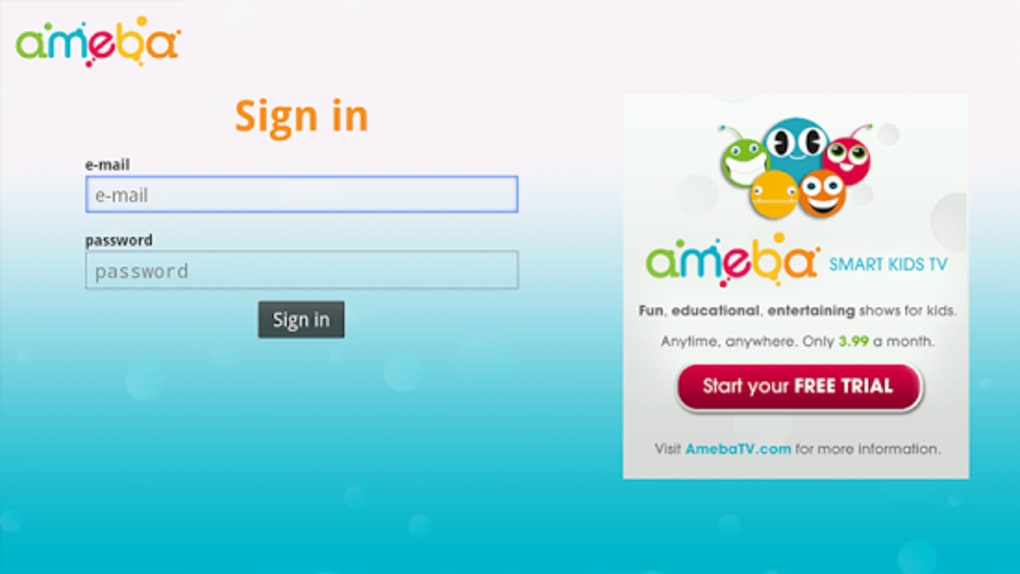
A free trial version is available, allowing users to explore core features. Full access to content and advanced tools requires a paid subscription after the trial period.
Is the software secure and safe for children?
The content in Ameba TV is curated for young audiences and designed to be age-appropriate. The software itself does not include external advertising or user-generated content, reducing exposure to inappropriate material.
Does Ameba TV require an internet connection?
While an internet connection is needed for initial setup, content downloads, and accessing the latest updates, the software supports offline viewing of downloaded programs.
Can I share playlists with other teachers or staff members?
Yes, users can create custom playlists and share them with other members of their institution, supporting collaborative teaching and lesson planning.
Final Thoughts + CTA
Ameba TV stands out as a focused, educator-driven media solution that delivers child-friendly content in a structured, accessible format. Its emphasis on customization, offline use, and collaborative sharing makes it a valuable tool for teachers and educational institutions. While system requirements are not fully detailed, the lightweight footprint and dual-platform availability enhance its accessibility. The inclusion of a free trial reduces risk for new users, and the integration with Google TV expands its usability across devices. For educators seeking a reliable, child-safe media platform, Ameba TV offers a compelling combination of functionality and ease of use.
Download Ameba TV now





.png)

